SoundCloud Cover Downloader
Find and download the available cover image for a public SoundCloud track, album, or playlist. Paste its direct link to get started.
Use soundcloud.com/artist/track or soundcloud.com/artist/sets/name.

Which SoundCloud covers can Bibz download?
Bibz saves the cover image available on a public SoundCloud track, album, or playlist. Paste the link to the exact item whose artwork you want. Each successful result saves one image.
What does the tool return?
- File format
- Cover image
- Download cover
- Language editions
- 3
- English · Español · Deutsch
- Source per lookup
- 1
- Public SoundCloud track or set URL
Core advantages
What makes this workflow useful?
Choose a track or set URL
soundcloud.com/artist/track identifies a song. An address with /sets/ identifies one album or playlist. Artist profiles and short app links do not identify a supported cover here.
Find the cover and check the title
Paste the direct SoundCloud link and select Find cover. Compare the returned title with the track or set you opened.
Check why artwork is missing
Open the same link without signing in and confirm that it still opens to the expected item. Unavailable artwork or a restricted page can leave no cover file to save.
Save the cover image
Select Download cover. On a phone, look in the browser’s downloads or the Files app if the image does not appear in your photo library.
No sign-in
The result shows the SoundCloud title and the image filename. A filename containing -track- is for a song and -set- is for an album or playlist.
May I use the artwork in another project?
Save and reuse artwork that you own or have permission to use. Public access alone does not grant publication rights.
Track cover or set cover?
A track link returns that track’s artwork. A set link returns the album or playlist cover at the size SoundCloud makes available.
Track cover
The public track “Tristam & Braken - Flight” returned one 500 × 500 JPEG.
Album or playlist cover
The /sets/ link for “Monstercat Uncaged - Vol. 1” returned one 500 × 500 JPEG for the set.
How to download
Find and download the available cover image for a public SoundCloud track, album, or playlist. Paste its direct link to get started.
Open the public track to save its cover, or open the album or playlist itself to save the set cover. Copy the page address.
Paste the direct SoundCloud link and select Find cover. Compare the returned title with the track or set you opened.
Select Download cover. On a phone, look in the browser’s downloads or the Files app if the image does not appear in your photo library.
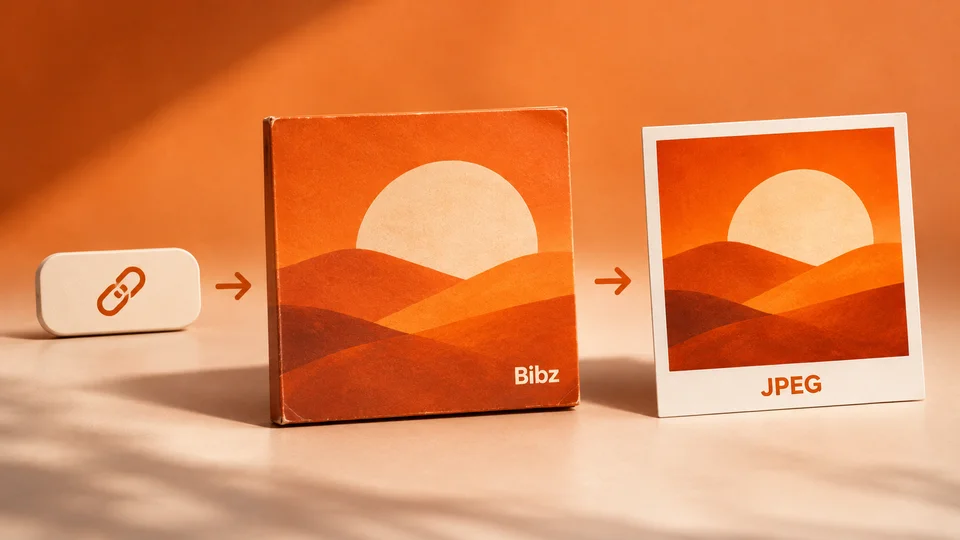
Cover image
Use soundcloud.com/artist/track or soundcloud.com/artist/sets/name.
Ways to use Bibz
From a public source to a file you can check and save. Pick the workflow that fits what you have.
- Save your own work Keep a local copy of a public post before you update or remove it.
- Review the result first Match the result to the original source before saving it.
- Prepare a handoff Save the file with the source link so a collaborator can identify the right version.
- Work on a phone Open your browser’s download list to find the saved file on your device.
- Keep a reference Save an authorized reference and keep the original link alongside it.
- Return to a previous result Open Bibz history on the same browser and choose the entry you want to revisit.
Frequently asked questions
Use soundcloud.com/artist/track or soundcloud.com/artist/sets/name.

Ready to check your link?
Use soundcloud.com/artist/track or soundcloud.com/artist/sets/name.